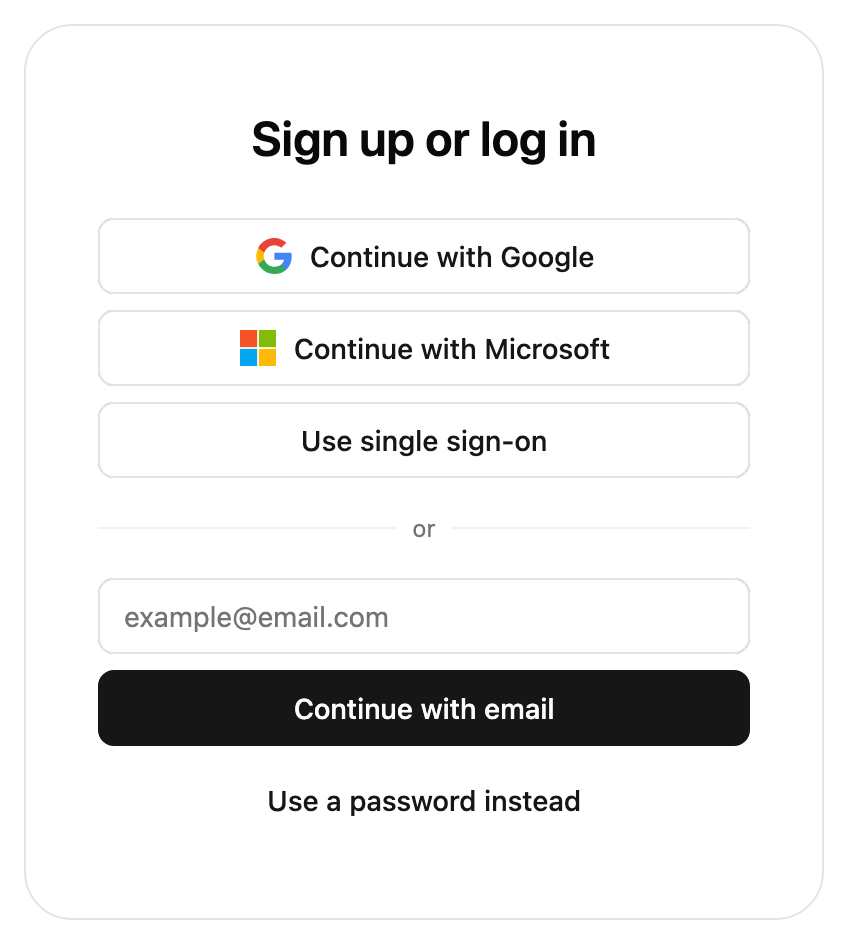
Browser support: We support Safari mobile and desktop 16, Chrome 109 and Firefox 106. Browsers older than this may still be able to use our SDK, but may require additional transpile and polyfills.
No polyfills are included since all APIs used are also supported in the versions supported.
Custom themes require support for color-mix CSS function. A compatibility helper is available if you are targeting older browsers.
The new presentation property now controls theming and styling options. This differs from the previous style property in that it configures tokens affecting many elements rather than properties on specific elements.We have provided a migration helper function. In development mode this function will also print out warnings about properties that could not be migrated.
import { styleToTheme } from '@stytch/react/compat'; const config = { style: { ... }, // This will also print out the recommended migrated config // which should replace this in production theme: styleToTheme({ ... }),};
For a full list of supported properties, see reference documentation for presentation.
presentation.theme
Controls CSS styling. Each token corresponds to some CSS properties, so each value should be a CSS value. You can also provide an array of [lightTheme, darkTheme] which will automatically switch between the two depending on the user's OS color scheme.
Show theme migration
style
presentation.theme
container.backgroundColor
background
container.borderColor
border / container-border
container.borderRadius
rounded-base / container-radius
container.width
container-width
colors.primary
primary
colors.secondary
secondary
colors.accent
accent
colors.success
success
colors.warning
warning
colors.error
destructive
buttons.primary.backgroundColor
primary
buttons.primary.textColor
primary-foreground
buttons.primary.borderRadius
rounded-base / button-radius
buttons.secondary.backgroundColor
secondary
buttons.secondary.textColor
secondary-foreground
buttons.secondary.borderRadius
rounded-base / button-radius
inputs.borderColor
input
inputs.placeholderColor
muted-foreground
inputs.borderRadius
rounded-base / input-radius
fontFamily
font-family
New properties:
color-scheme: Declares the theme as either light or dark.
font-family-mono: Font for TOTP and recovery code
header-font: Font for headers
spacing, rounded-base, text-base: Base units for size and spacing between items, border radius and font size
mobile-breakpoint: Screen width at which input and buttons are rendered larger for touchscreen users
shadow, shadow-button, shadow-input: Optional box-shadow applied to buttons and inputs
transition-duration: Transition duration. Set to 0 to disable transitions
presentation.options
Controls non-styling options such as the logo to display.
Show options migration
style
presentation.options
hideHeaderText
hideHeaderText
logo.logoImageUrl
logo.url
New properties:
logo.alt: Alt text for the logo
More styling changes
These changes are unlikely to cause issues.
Show more style changes
Component size
Stytch UI component now use max-width rather than width to make it more flexible. This means the component may render at a size smaller than expected if it is placed in a flexbox or grid. To restore previous behavior, wrap it in a div with your desired width.
The SDK now injects styles into the head element as a style tag. The component styling is also slightly less aggressive, so global styles may affect internal styling differently. If you would like complete style isolation, we recommend enabling shadow DOM.
Some element IDs have been removed. To restore them, use `presentation.options.buttonId`. We do not recommend using the IDs to modify Stytch UI component styles or DOM.
const presentation = { options: { buttonId: true, // Or set to a string to add a suffix to make ID unique },};
Your sign in request could not be completed. Use the back arrow to return to the log in screen and try again!
(Unchanged)
Your sign in request could not be completed. Go back to the main screen and try logging in again.
crypto.setupNewWallet.content
Signing in with a crypto wallet can help keep your account private and secure.
(Unchanged)
Get started by downloading any Ethereum or Solana wallet.
crypto.setupNewWallet.instruction
Get started by downloading any Ethereum or Solana wallet. We've included a few examples of wallet extensions you can find below. Once you've set up your wallet, you can use it to sign in!
(Unchanged)
We've included a few examples of wallet extensions you can find below. Once you've set up your wallet, click "Go back" to use it and sign in.
crypto.troubleHelp
Having trouble? Use the back arrow to return to the main screen and try logging in again.
(Unchanged)
If you are having trouble, go back to the main screen and try logging in again.
oauth.continueWithTwitter
Continue with Twitter
oauth.continueWithX
Continue with X
passcode.codeSent / passcode.didntGetIt
Code sent / Didn't get it?
passcode.codeSent
Code sent! Try again in {timeRemaining}s
toast.emailResent
Email resent
button.emailResent
Email resent! Try again in {timeRemaining}s
password.didntGetItResend
Didn't get it? <resendButton>Resend email</resendButton>
button.resendEmail
Resend email
watermark.altText
Powered by Stytch
(Unchanged)
Stytch by Twilio
1 This was previously only for non-visual users, now it is displayed as text.
We recommend running through every auth method used to make sure the new theme looks correct in context. You should also take note of errors or warnings in the browser console.