

What is a custom auth domain?
When using Stytch as your authentication provider, your users’ browsers will make API calls and request assets that are handled by Stytch’s servers. While it is often workable to have these requests go directly to Stytch, it can be desirable and sometimes necessary to serve these requests from your own domain.Why use a custom auth domain?
Many Stytch-supplied URLs are shared externally with your customers and partners. Using your own domain allows you to abstract away the fact that you are using Stytch. We recommend using a custom auth domain for for various use cases, including:- OAuth, which allows you to display your own domain during the OAuth flow.
- Fraud protection, which is more likely to be blocked by ad blockers when using the
stytch.comdomain. - Connected Apps, which may not function properly with all third party software without using a custom domain.
Default project domains
Stytch will automatically provision a default project domain for your project upon creation. Default project domains are intended for convenient testing of an initial integration and can be used to test some features that require a unique domain, such as Connected Apps. However, they are still linked to the Stytch brand and website, and cannot be used to test features that require a domain linked to your application, like HttpOnly Cookies.- In
testenvironments, the default domain looks likehttps://{noun}-{verb}-{number}.customers.stytch.dev. - In
liveenvironments, the default domain looks likehttps://{noun}-{verb}-{number}.customers.stytch.com.
Setting up a custom auth domain
We recommend setting up a custom auth domain as a subdomain of your main website early in your integration to avoid a migration if you later start using a feature that requires them. In order to configure a custom domain, there are two sources that you will need to update:- You’ll need to add a new CNAME record to your DNS setup. This will create a subdomain on your site that acts as an alias for a subdomain of
stytch.com. - You’ll need to add this subdomain to your Stytch configuration.
1
Adding a custom domain
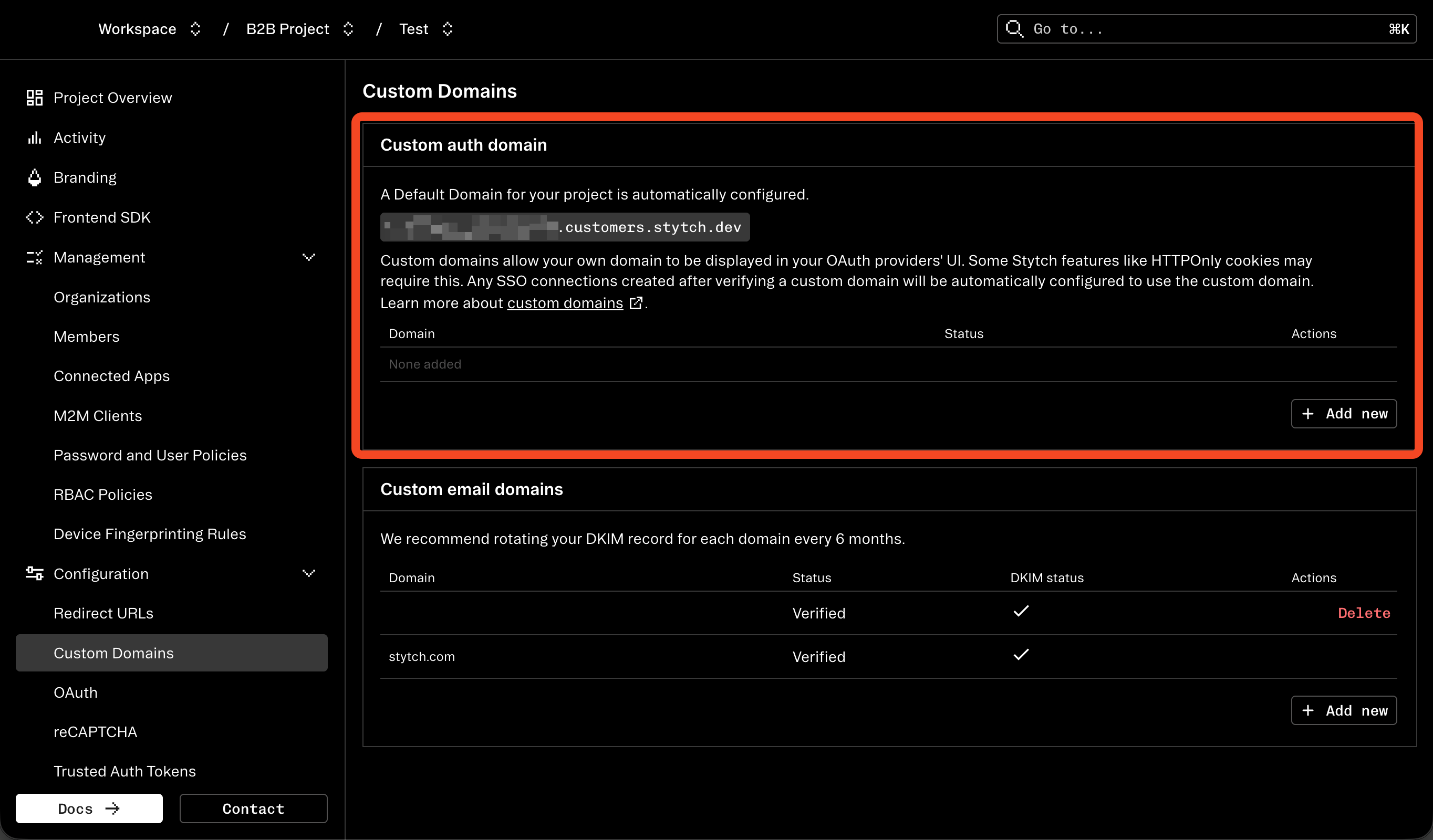
Go to Custom Domains in the Stytch Dashboard.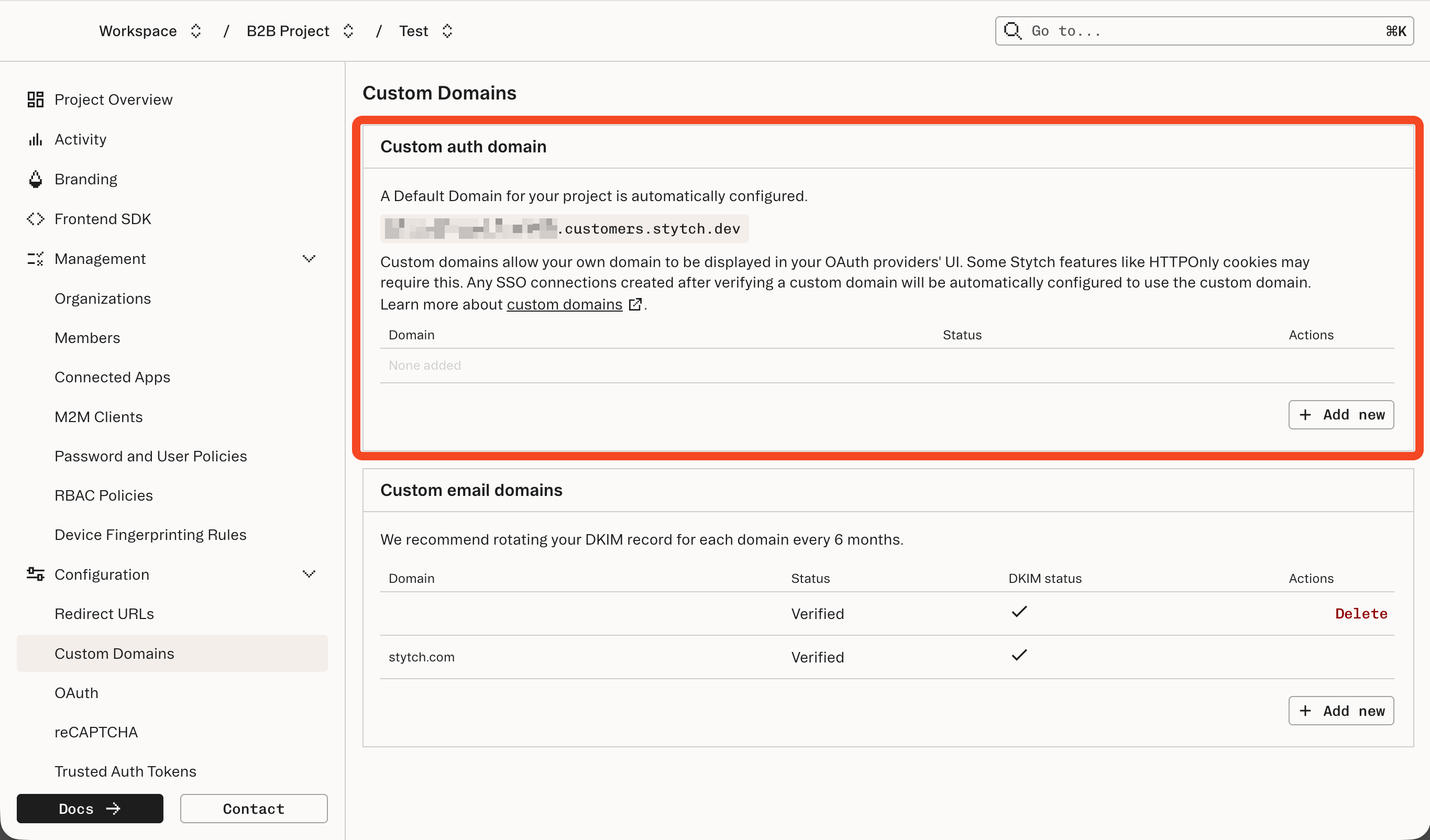
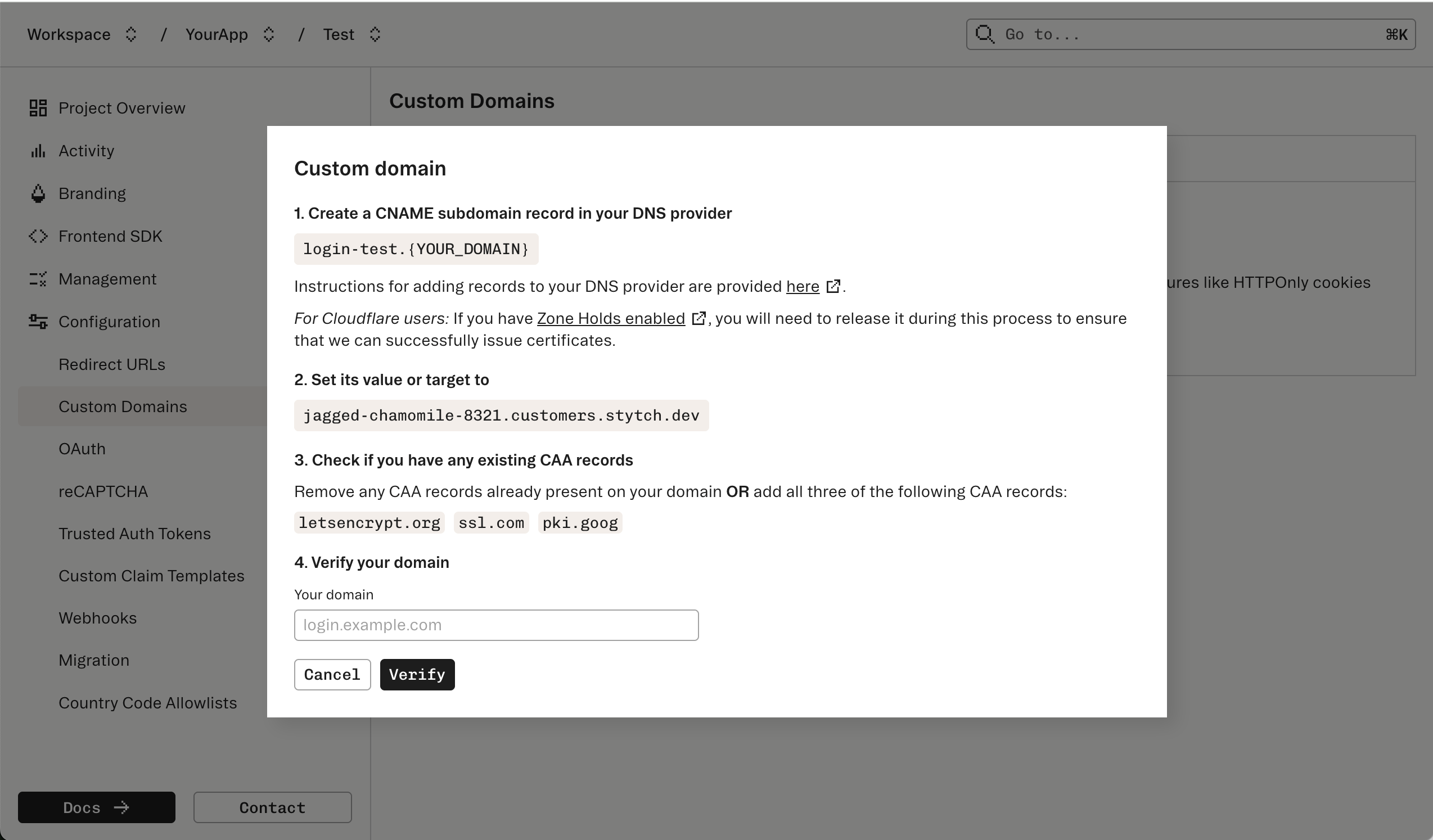
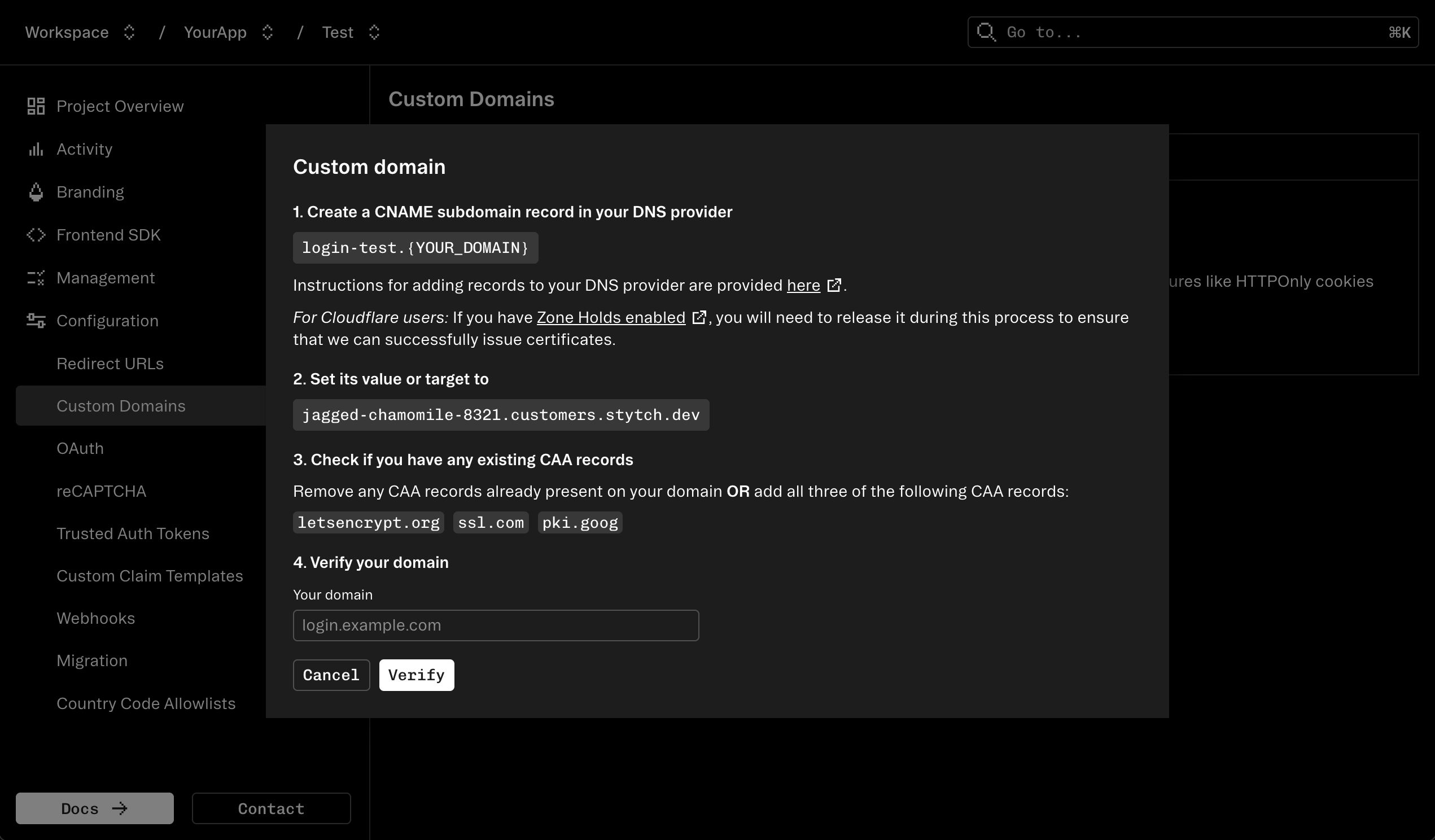
{SUBDOMAIN}.stytch.com, as we will need it for the next step.2
Updating your DNS records
A CNAME record in your domain should be updated to point to this URL.The process for this varies by DNS provider, but most providers will provide instructions. Here are instructions for some popular providers:
- Amazon Web Services (Route 53)
- Google Cloud Platform (Cloud DNS)
- Cloudflare
- If you have Zone Holds enabled, you will need to release it during this process to ensure that we can successfully issue certificates.
- GoDaddy
- Namecheap
3
Finish configuring Stytch
Finish the configuration process in Stytch by entering your full domain in the final field of the dialog box and clicking “Verify”.DNS records may take up to 48 hours to propagate and be verified; however, usually this happens within minutes to hours rather than days. If you are able to verify the existence of your DNS changes exist via a
dig on your machine, but they haven’t yet been verified with Stytch after an hour, please reach out to support@stytch.com and we can help troubleshoot.Configuring Stytch SDKs to use a custom auth domain
Stytch SDKs must be configured to use your custom auth domain after it is set up. For Consumer auth:Stytch products that use custom auth domains
Custom domains can have a far-reaching impact on how your app interacts with Stytch. These are some of our products that benefit from a custom domain:Stytch-issued JWTs
Several Stytch products - Sessions, M2M, and Connected Apps - issue JSON Web Tokens (JWTs) for local validation. Stytch will determine the JWT issuer claim from the domain used to access the Stytch backend.- With a default domain: JWTs issued by Stytch when called via your default domain (e.g.
https://{noun}-{verb}-{number}.customers.stytch.dev) as the issuer. - With a custom domain (CNAME): JWTs issued by Stytch when called via your custom domain (e.g.,
https://login.yourcompany.com) as the issuer. - Without a custom domain: JWTs issued by Stytch when called via the public API (e.g.
https://test.stytch.com/public/${project_id}) will usestytch.com/$project_idas the issuer.
https://login.yourcompany.com/v1/oauth2/token endpoint externally for Connected Apps API calls, Connected App access tokens will have an issuer of https://login.yourcompany.com. If you use the https://api.stytch.com domain for backend API calls, then Session JWTs will have an issuer of stytch.com/$project_id, which will make validation logic more difficult.
All Stytch SDKs performing JWT validation will honor both stytch.com/$project_id issuers and custom domain issuers, enabling you to switch from one to the other without downtime. Other libraries or 3rd party tools may not support the issuer changing without reconfiguration.
HttpOnly cookies
The HttpOnly cookie option in our frontend JavaScript SDK can only be used once you set up a custom auth domain. Magic links in emails can also be configured to use your custom domain in the Branding tab in the Dashboard. When enabled, the URL of the link sent in Magic Link emails will use your custom domain instead of Stytch’s API domain.OAuth
For some OAuth providers (such as Google), the domain used for logging in must be authorized by the provider in order to properly display your app’s consent screen. In order for the consent screen to indicate that it is returning to your app instead of tostytch.com, the redirect URI provided to the login flow must be owned by your authorized domain.
Single Sign-On (SSO)
Single Sign-On flows support custom auth domains. Since SSO endpoints are exposed to the user, using a custom domain allows you to associate these endpoints with your brand and obfuscate Stytch’s role as an auth provider. Any SSO Connection created after successfully setting up a custom domain will use the custom domain. Any SSO Connections created before setting up a custom domain will not be modified and will continue using the Stytch domain.Fraud protection
Our Device Fingerprinting product is more effective in various ways when it is hosted from your own domain. Notably, the chances that Device Fingerprinting will be blocked by an ad blocker decrease significantly when using a custom domain.Connected Apps
Stytch’s Connected Apps feature enables Stytch-powered Applications to act as the Identity Provider (IdP) for OAuth and OIDC compliant applications. Stytch recommends using a custom domain when implementing Connected Apps for various reasons:- OAuth endpoints like
/oauth2/tokenor.well-known/jwks.jsonare often shared externally with customers or third parties. Using a custom domain allows you to associate these endpoints with your brand, (e.g.https://auth.yourcompany.com/v1/oauth2/tokeninstead ofhttps://api.stytch.com/v1/public/${project_id}/oauth2/token) and avoid needing to update callers if you stop using Stytch in the future. - Certain specifications within the OAuth and OIDC family of protocols require a unique domain to be used. For example, OIDC-compliant Issuers must be
https://URLs without query or path parameters. Legacy issuers from Stytch’s Session JWT product (stytch.com/${project_id}) will not be accepted by certain software.