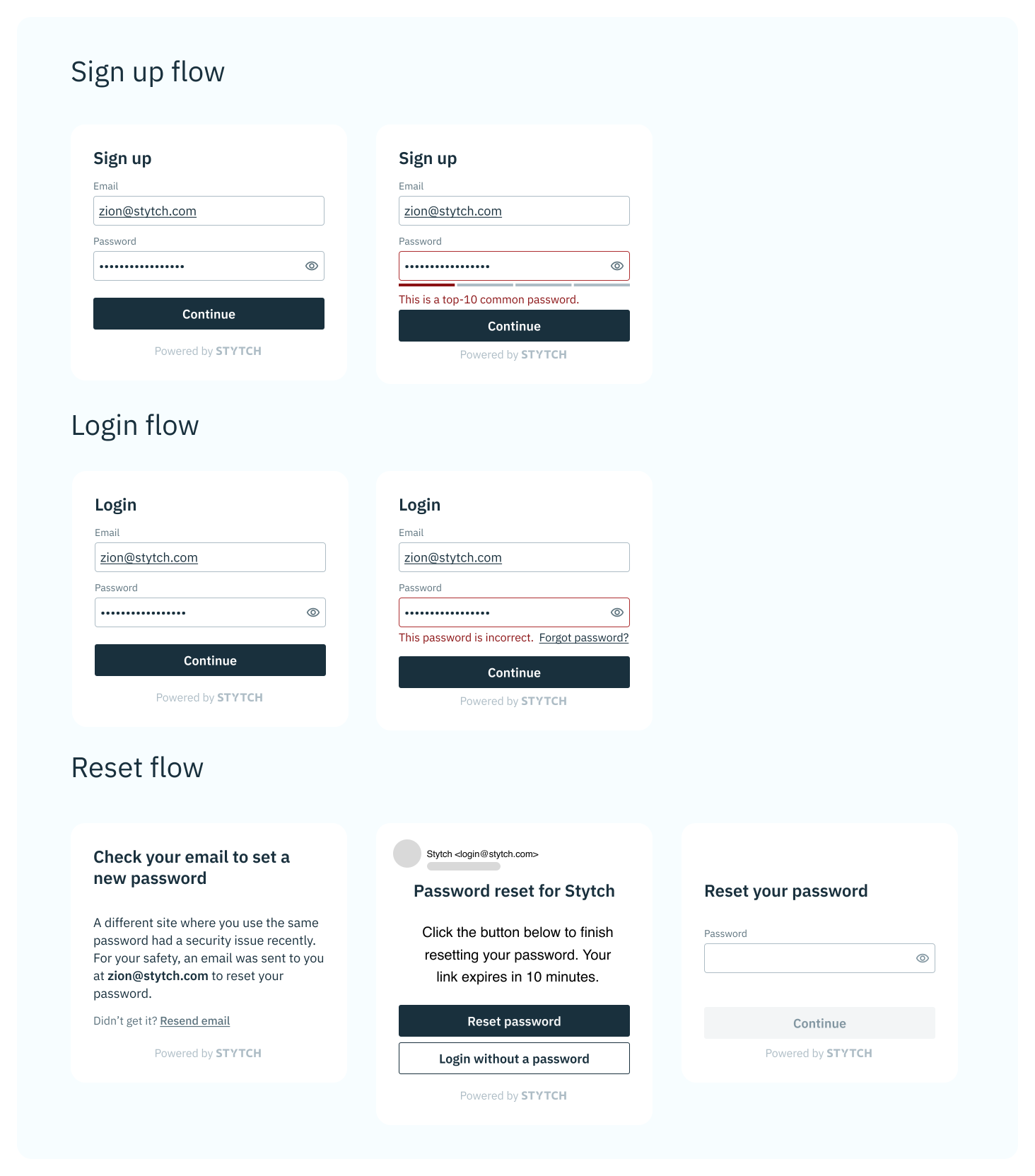
1
Build a signup UX
Design a signup experience where the user sets a password. Then call Create user with password with the email and password.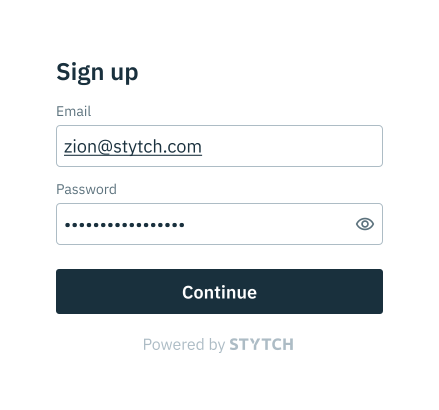
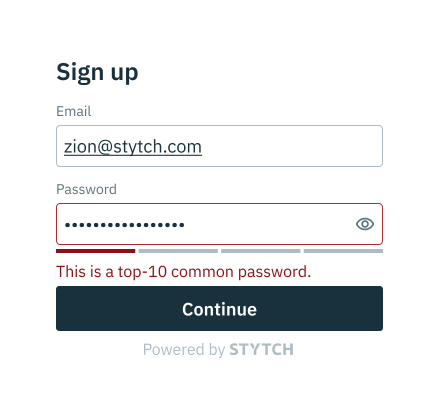
session_duration_minutes is provided.Handle these errors:duplicate_email: A user with this email already exists.weak_passwordorbreached_password: See the next step for guidance.
2
Add a password strength check to your signup UX
Password strength is determined by zxcvbn (score 0–4) and by checking the password against the HaveIBeenPwned dataset. A score of 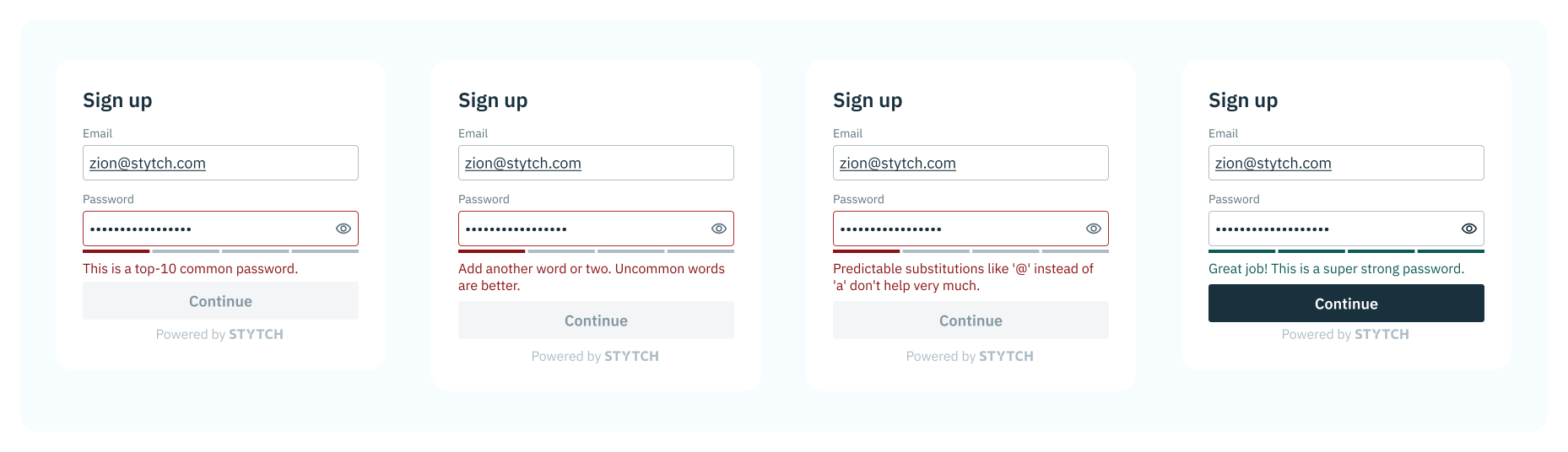
<= 2 yields a weak_password error; a leaked password yields a breached_password error.3
Build a login UX
Collect the user’s email and password and call Authenticate user with password. A successful call authenticates the user and can start a session.
unauthorized_credentialsandemail_not_found: Ask the user to try again.reset_password: The password must be reset (for example, due to a breached password).
4
Add a reset password flow
Provide a reset password flow for users who forget their password or require a reset.Use Start email password reset to begin the flow. If the account doesn’t exist, you’ll receive 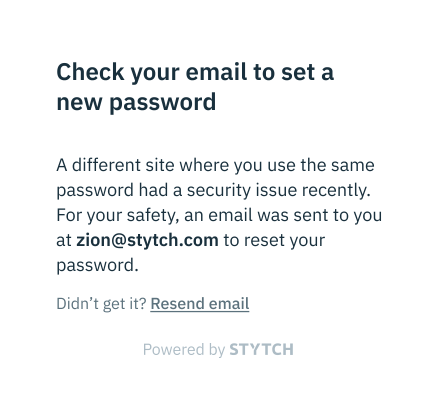
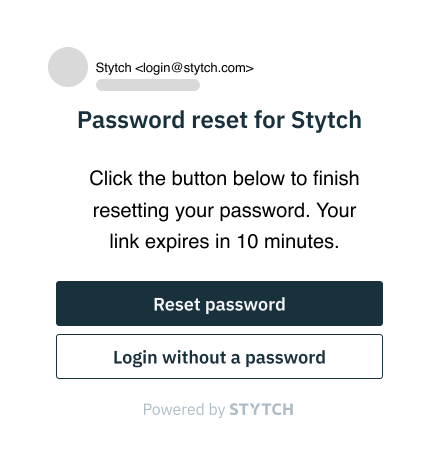
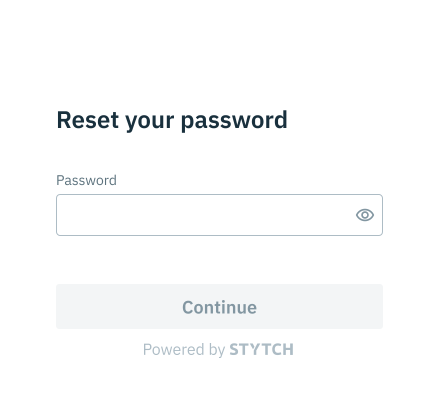
email_not_found.Build a Reset Password page and add the URL as a Reset Password redirect in the Stytch Dashboard. On that page, collect the new password and the token from the URL and call Password reset by email.reset_email error.5
You're done
You now have password signup, login, and reset flows. Have feedback after integrating? Reach out via support@stytch.com or in our community Slack.