

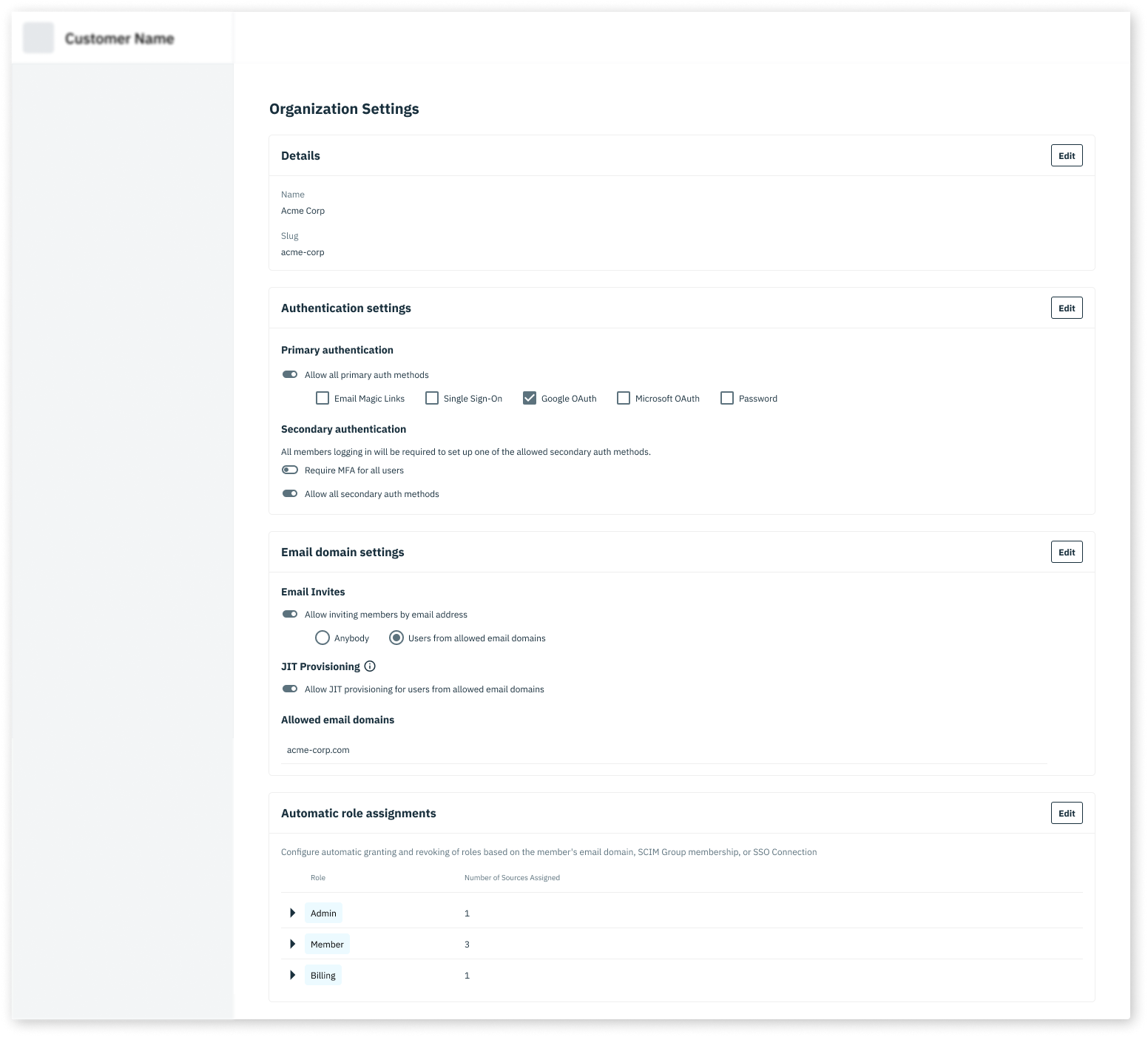
AdminPortalOrgSettings is a drop-in component for the Organization settings page in your application. It allows Organization Members with the required RBAC roles (ie. admin) to manage settings for their Organization.
AdminPortalOrgSettings must be wrapped inside a StytchB2BProvider. Take a look at our installation guide for more information on how to configure the StytchB2BProvider for your framework.
Props
object
The style configuration allows you to customize the look of the Admin Portal. You can specify some of them or none at all. We’ll use our defaults for the ones you don’t specify.
object
The configuration object for the Admin Portal Member Management UI.