

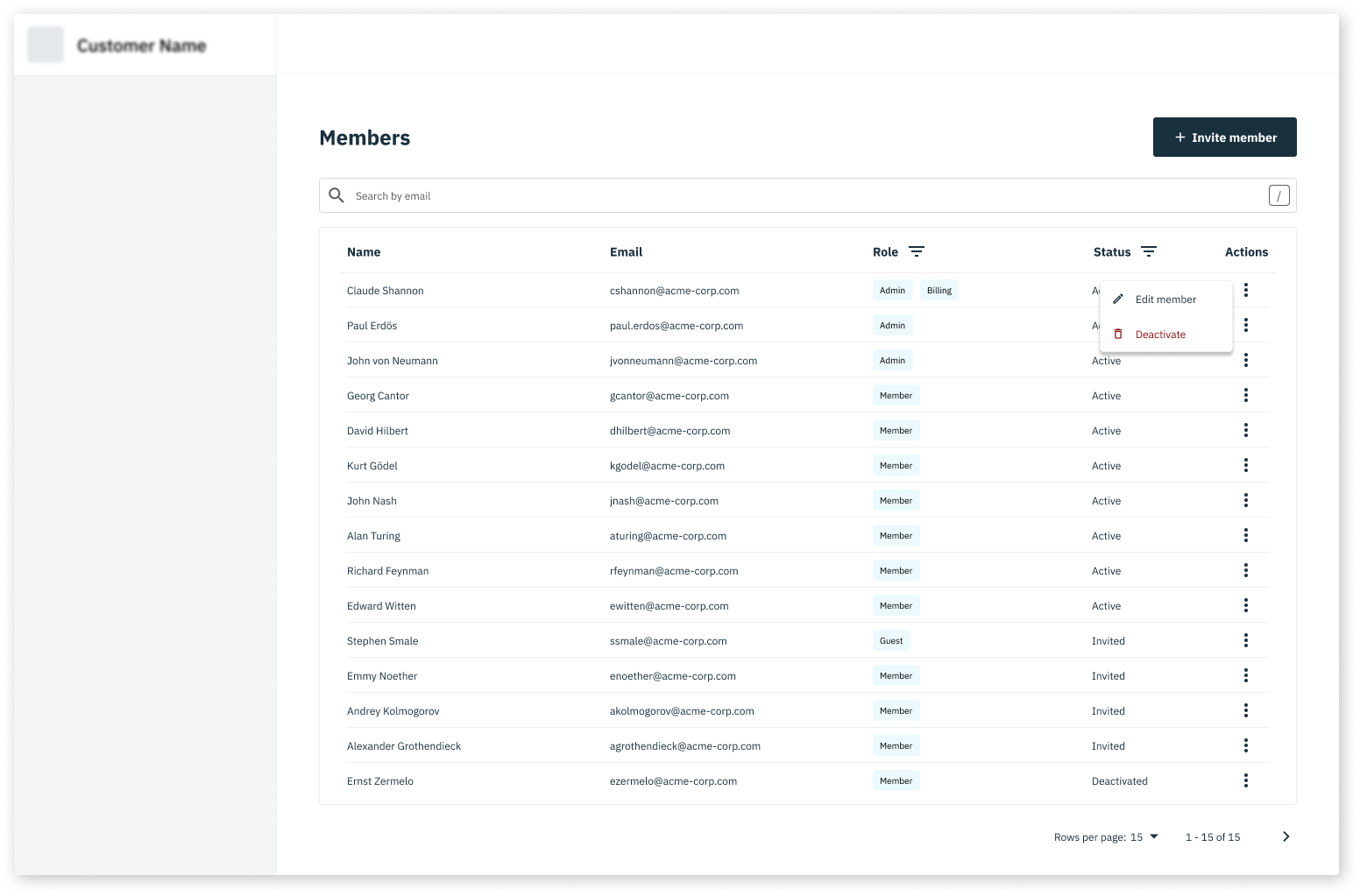
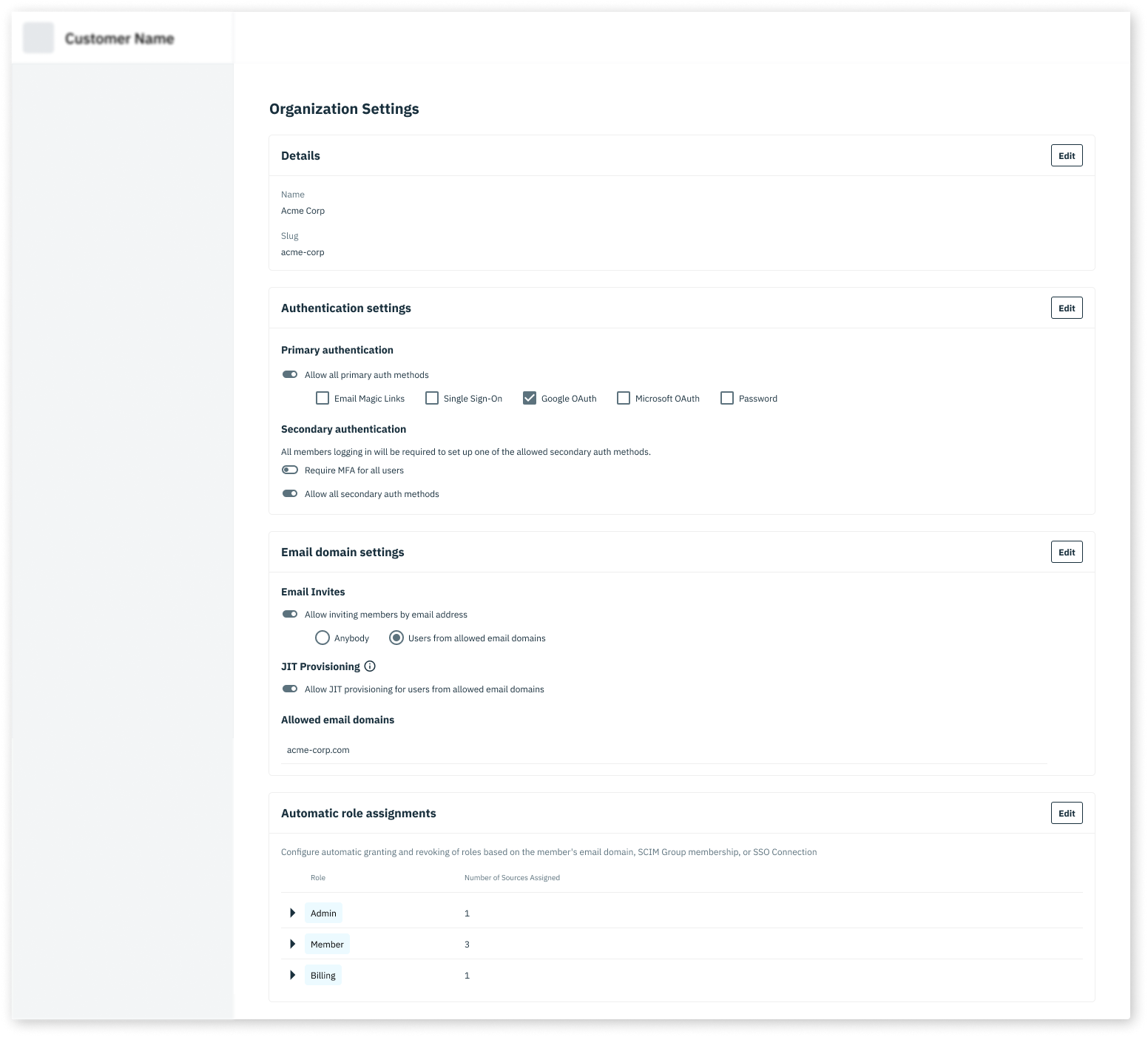
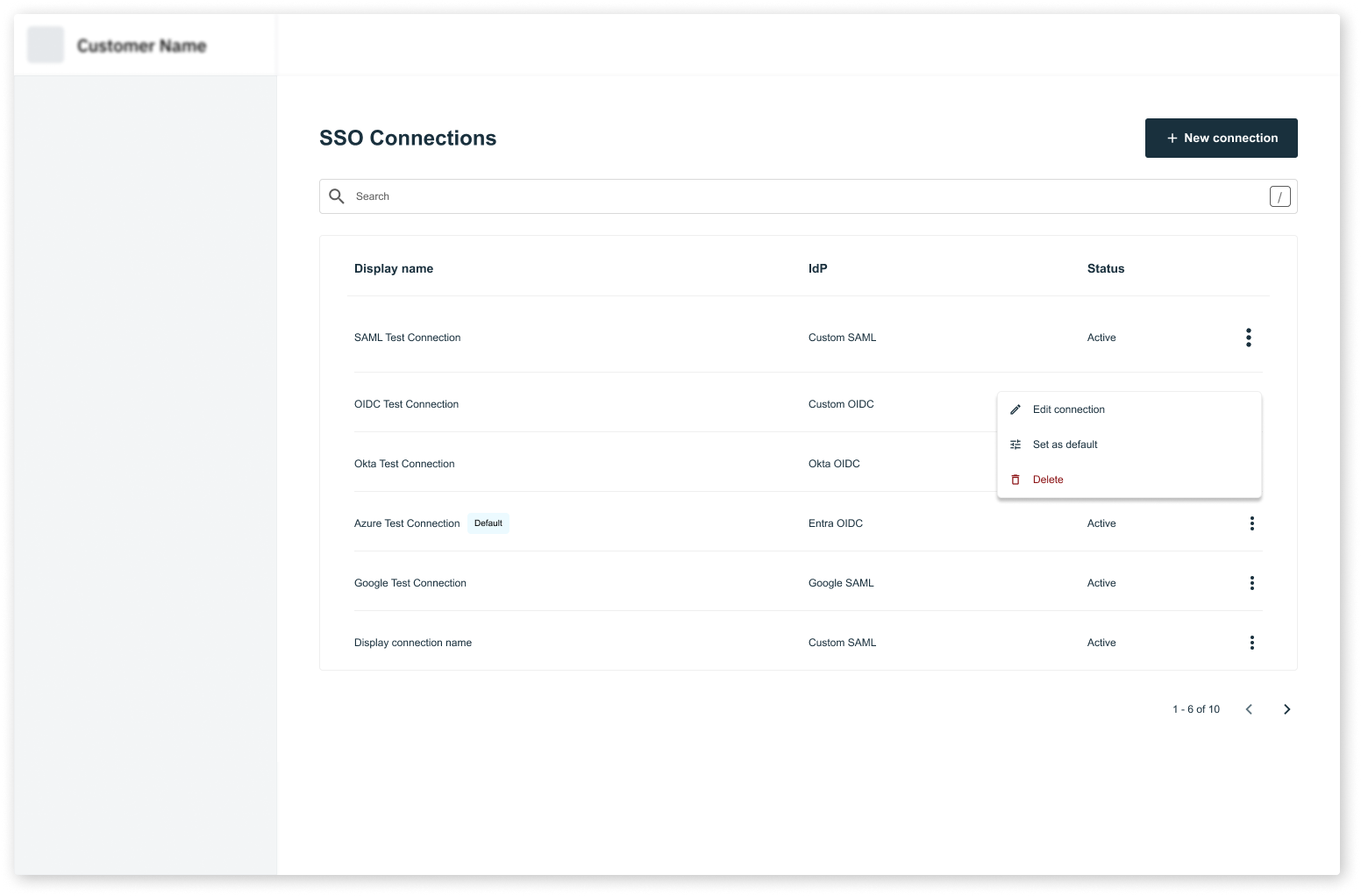
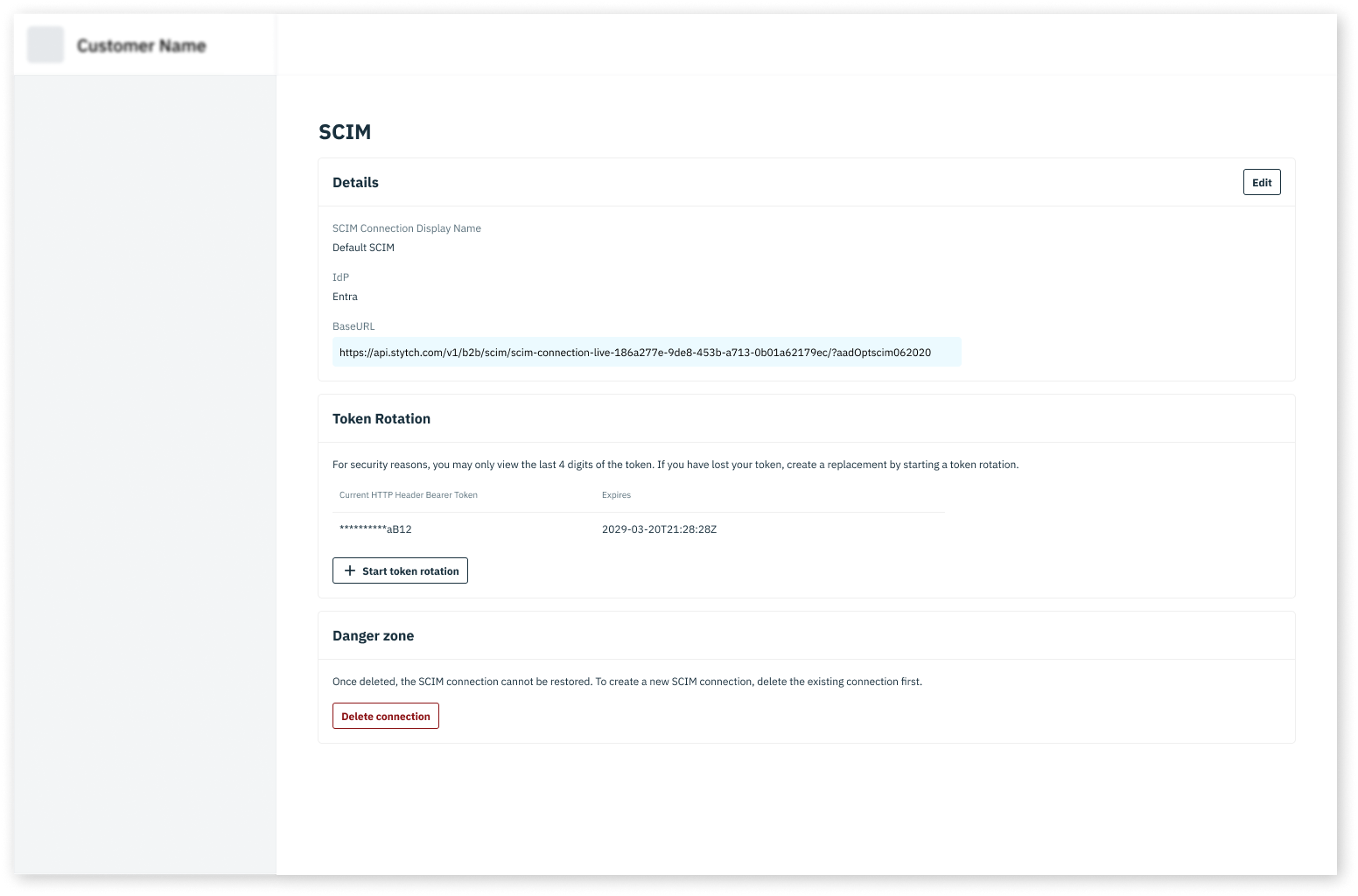
AdminPortalMemberManagement- allows of the to invite new Members and manage existing MembersAdminPortalOrgSettings- allows Members of the Organization to manage their own Organization settings, including authentication methods and JIT provisioning settings.AdminPortalSSO- allows Members of the Organization to manage their own SSO connectionsAdminPortalSCIM- allows Members of the Organization to manage their own SCIM connections
Want to see the Admin Portal in action? Log into your Stytch Dashboard and check out the Team, Access Settings, SSO, and SCIM pages. These are all built with Admin Portal!
- Member management
- Organization settings
- SSO
- SCIM
Add Admin Portal to your application
1
Before you start
Complete all the steps in the installation guide
2
Add HTML elements for each Admin Portal component
Add container elements to your HTML where you want each Admin Portal component to render:
3
Mount the Admin Portal components
4
Test the Admin Portal components
That’s it! The Admin Portal components will render in the container elements you specified.
RBAC considerations
Admin Portal respects all RBAC policies configured in your Stytch Dashboard. Use the resources prefixed withstytch. to control who can access and update settings in the Admin Portal.
For example, in the AdminPortalMemberManagement component, only Members with permission to search on stytch.member will be able to view and search for Members.
Read the RBAC guide for more information about configuring RBAC policies.